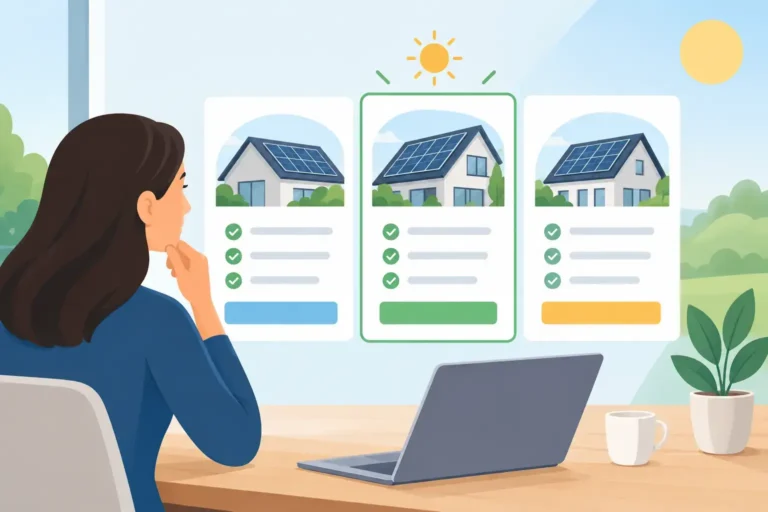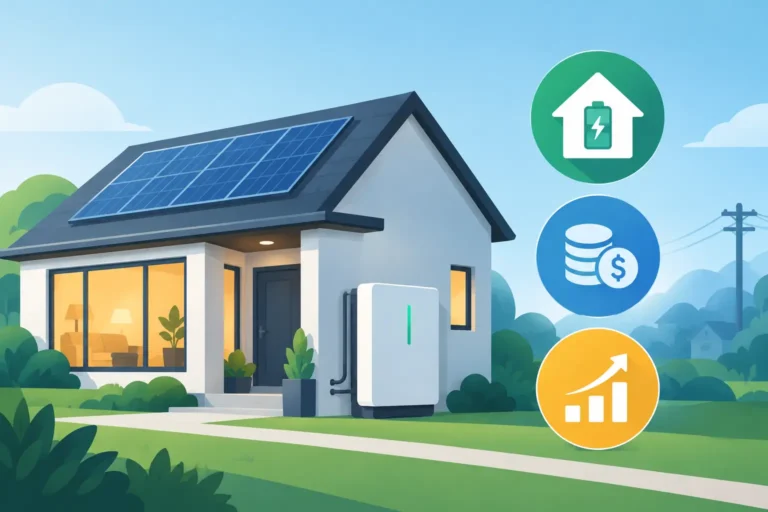
A blackout changes the way you think about electricity fast. The refrigerator, internet, lights, garage door, medical equipment, and heating or cooling all become priorities within minutes. This home battery backup guide explains how to choose a system that protects the loads that matter, works with your solar setup, and makes financial sense beyond the occasional outage.
A battery is not automatically a whole-home power solution, and bigger is not always better. The right choice depends on how much electricity your household uses, when you use it, what you want running during an outage, and whether your utility offers time-of-use rates or battery export programs. A properly designed system starts with those questions, not a one-size-fits-all package.
Start With What You Need to Keep Running
The first decision is whether you want essential-load backup or whole-home backup. Essential-load backup keeps a selected group of circuits operating when the grid goes down. This commonly includes refrigeration, lighting, internet, a few outlets, a garage door, and selected kitchen circuits. It is often the most cost-effective approach because it avoids trying to run every high-demand appliance at once.
Whole-home backup can power most or all of the house, but it requires more planning. Large loads such as central air conditioning, electric resistance heating, electric ovens, pool pumps, clothes dryers, and EV chargers can drain a battery quickly or exceed its power output. Some homes need load management equipment that temporarily limits certain appliances so the battery is not overloaded.
Think about your real priorities rather than every appliance you own. A family that needs refrigeration, Wi-Fi, lights, a sump pump, and a small HVAC load has different requirements from a household that wants to maintain full air conditioning, cook electrically, and charge an EV through a long outage.
Energy Capacity and Power Output Are Different
Battery capacity is measured in kilowatt-hours, or kWh. It tells you how much energy the battery can store. A 13.5 kWh battery, for example, can theoretically supply 13.5 kW for one hour, or 1.35 kW for 10 hours, before accounting for system losses and reserve settings.
Power output is measured in kilowatts, or kW. It tells you how much electricity the battery can deliver at one time. This matters when several appliances start together. A refrigerator may run comfortably on modest power, but an air conditioner compressor, well pump, or electric cooktop can create a much larger demand.
Capacity determines how long you can run your selected loads. Power determines what you can run simultaneously. A battery with adequate storage but limited output may still require you to avoid using high-demand appliances at the same time.
How to Size a Home Battery Backup System
Start with your utility bills or smart-meter data. Look at daily consumption, evening consumption, and the highest-demand periods. If you already have solar, compare solar production with when your household buys electricity from the grid. Many homeowners produce plenty of solar power at midday but purchase electricity after sunset, when family activity and energy rates may be higher.
Then estimate the energy use of your backup circuits. As a rough example, a refrigerator, internet equipment, LED lights, device charging, and a few small appliances may use a manageable amount of energy over a night. Adding a ducted HVAC system, electric water heating, or pool equipment changes the calculation substantially.
For outage planning, ask how long you want the battery to last without meaningful solar recharge. A short outage may only require several hours of essential-load coverage. For overnight protection, a larger battery or careful load control is usually needed. During a multi-day outage, solar generation becomes a major advantage, provided the system is designed to operate safely in backup mode.
Solar and battery systems work best as a team, but solar panels do not automatically provide power during an outage. Standard grid-connected solar shuts down when the grid fails to protect utility workers. Your battery system needs compatible backup hardware, correct switchgear, and professional installation to keep selected circuits energized safely.
Cost, Savings, and the Trade-Offs That Matter
The installed price of a battery depends on usable capacity, power output, brand, backup hardware, electrical upgrades, roof solar capacity, and the complexity of your home’s switchboard. A simple retrofit to an existing solar system can cost less than a whole-home backup design that includes electrical panel work and load controls.
Savings usually come from storing lower-cost solar energy or off-peak grid electricity and using it later when grid prices are higher. The value improves when your home has strong evening consumption, time-of-use pricing, or limited solar export compensation. A battery can also reduce exposure to peak rates, although it will not erase every electricity charge on its own.
Do not judge a system on upfront price alone. Compare usable battery capacity, warranty terms, guaranteed throughput, continuous power output, backup capability, monitoring features, and the quality of the installation. A lower-priced quote may exclude the backup gateway, switchboard upgrades, or the circuits needed to provide outage protection.
Incentives can improve the numbers, but eligibility rules change. Federal tax incentives, local rebates, utility programs, and virtual power plant offers can each have different equipment, installation, enrollment, and timing requirements. Confirm the current rules before assuming an advertised incentive applies to your property.
Choosing Between a Solar Battery and a Generator
A battery provides quiet, automatic backup with no fuel storage and little day-to-day maintenance. It can also lower regular utility costs by shifting solar energy into the evening. For homeowners who already have solar or want to add it, that daily value is a key advantage.
A generator can provide longer runtime if fuel is available and may be less expensive for occasional emergency-only use. However, it creates noise, needs maintenance, and does not typically reduce monthly electric bills. Some households choose a battery for everyday savings and short outages, then add a generator for extended emergency coverage. The better option depends on outage frequency, local conditions, budget, and what you need powered.
Questions to Ask Before You Sign a Contract
A clear proposal should explain exactly what the system will do during an outage. Ask whether the quote covers whole-home or essential-load backup, which circuits will be backed up, and whether large appliances will need load management. You should also ask how the battery performs during a solar-producing day and overnight, not just its headline capacity.
Confirm whether your existing inverter is compatible or needs replacement. Ask for the usable kWh, continuous and peak power ratings, warranty duration, expected installation scope, monitoring access, and any electrical upgrades included in the price. Qualified, certified installers matter because backup systems involve solar equipment, batteries, grid connections, and the home electrical panel.
Finally, make sure the proposal is designed around your household rather than a generic battery size. The best system is one that fits your actual electricity use, protects your priority loads, and gives you a clear path to lower grid dependence without paying for capacity you will rarely use.
A battery should give your household more control, not more confusion. Start with your bills, identify the loads you refuse to lose in an outage, and insist on a transparent design that shows where the savings and backup coverage will come from.